



Skip to content

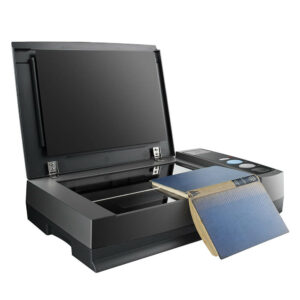
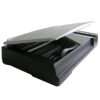
OpticBook A300 Plus

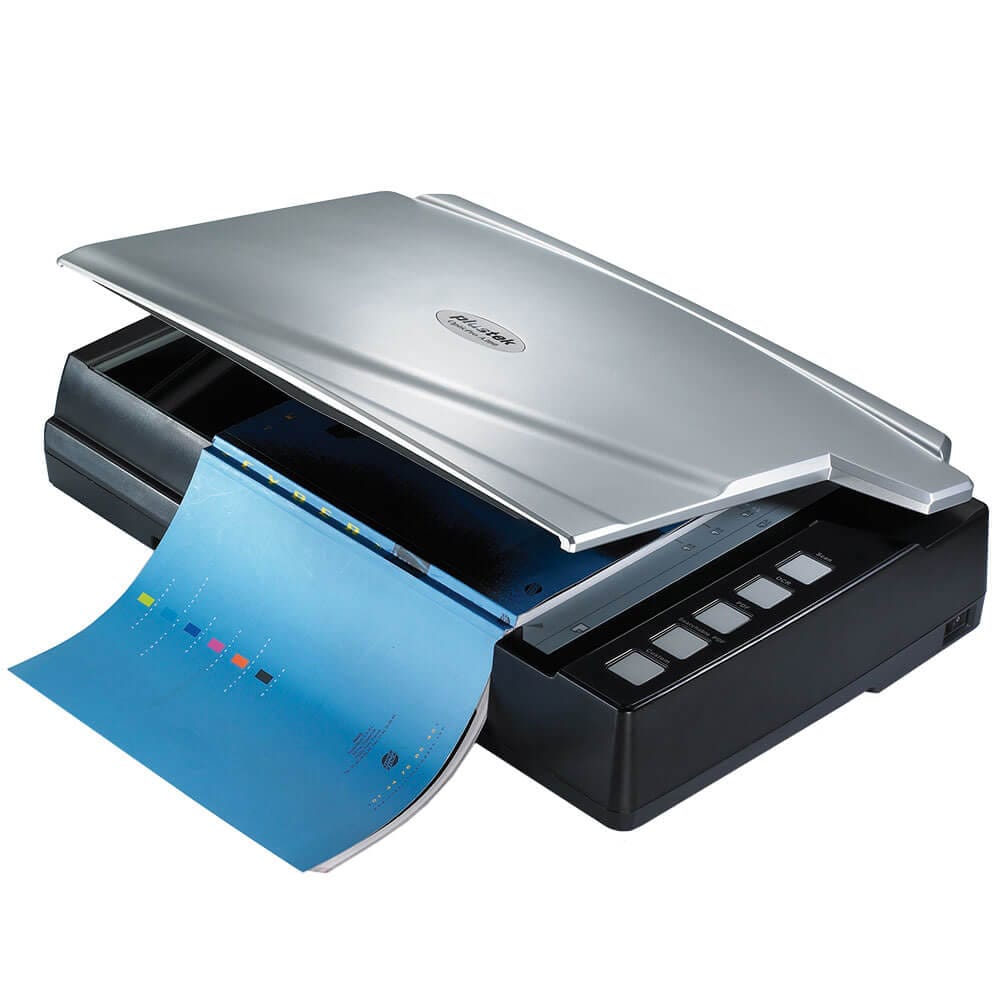
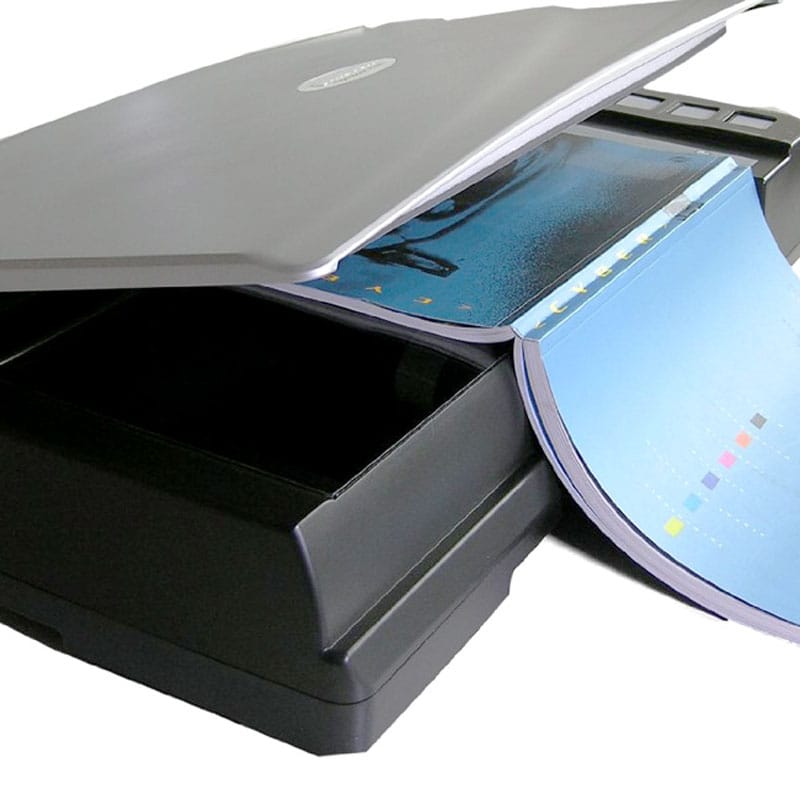
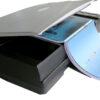
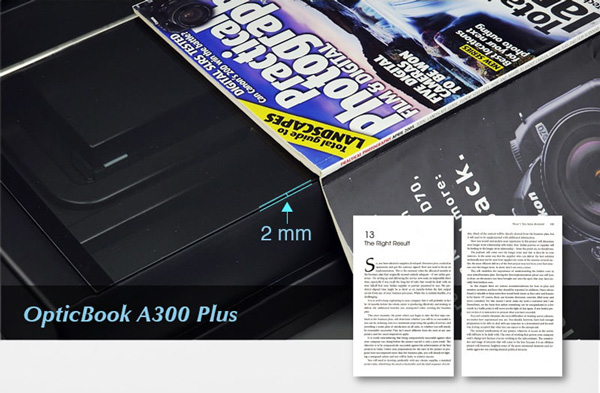
  • Perfect 2mm book-edge design
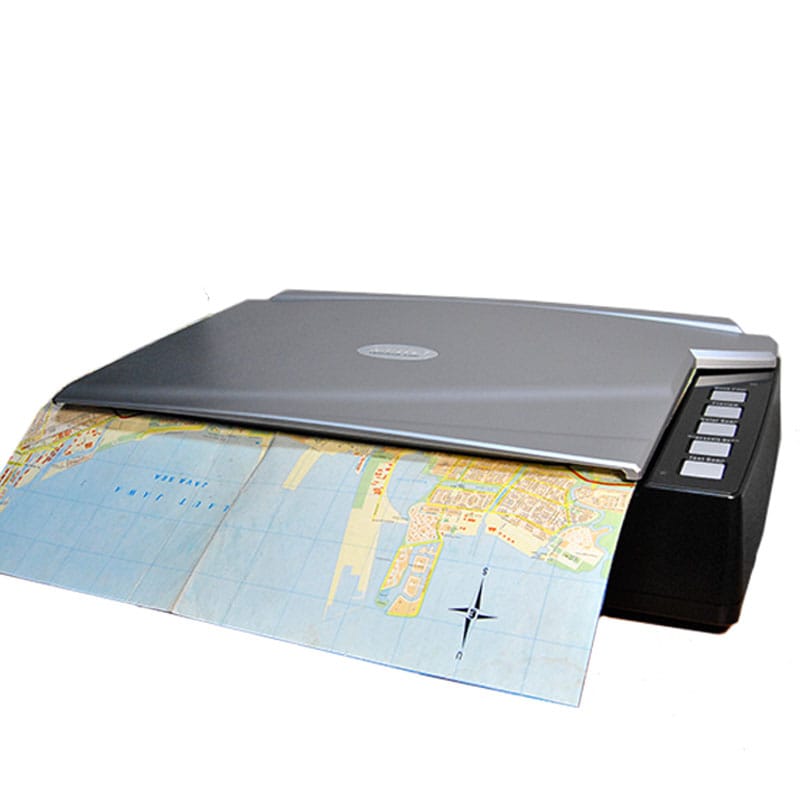
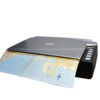
  • Large format scanning (A3 size)
  • 2.4 seconds scanning speed
  • One-touch buttons design
SKU: OB-A300 Plus Category: Tags: ,

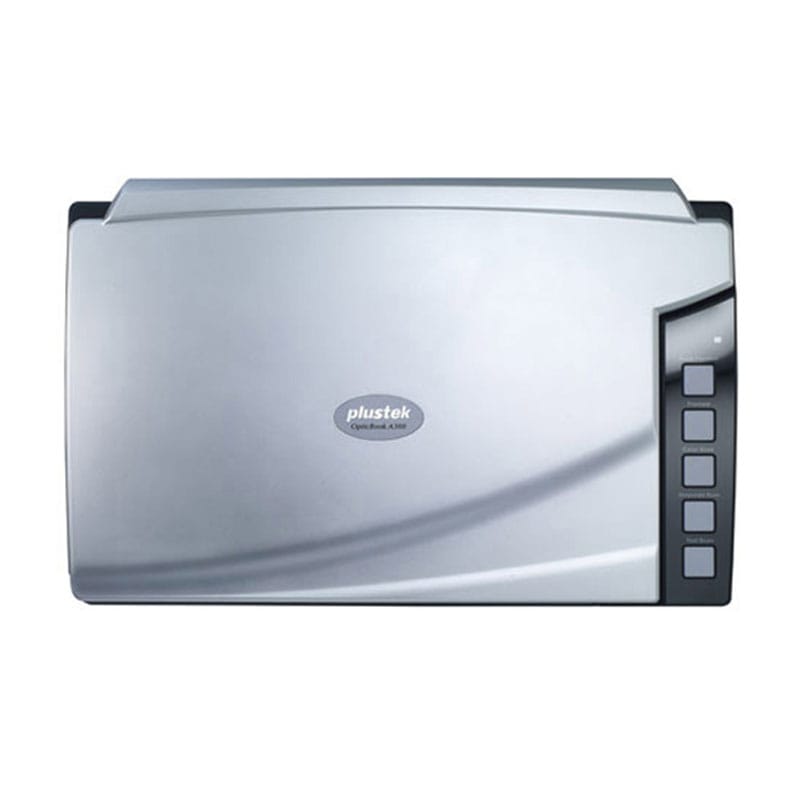
Plustek OpticBook A300 Plus

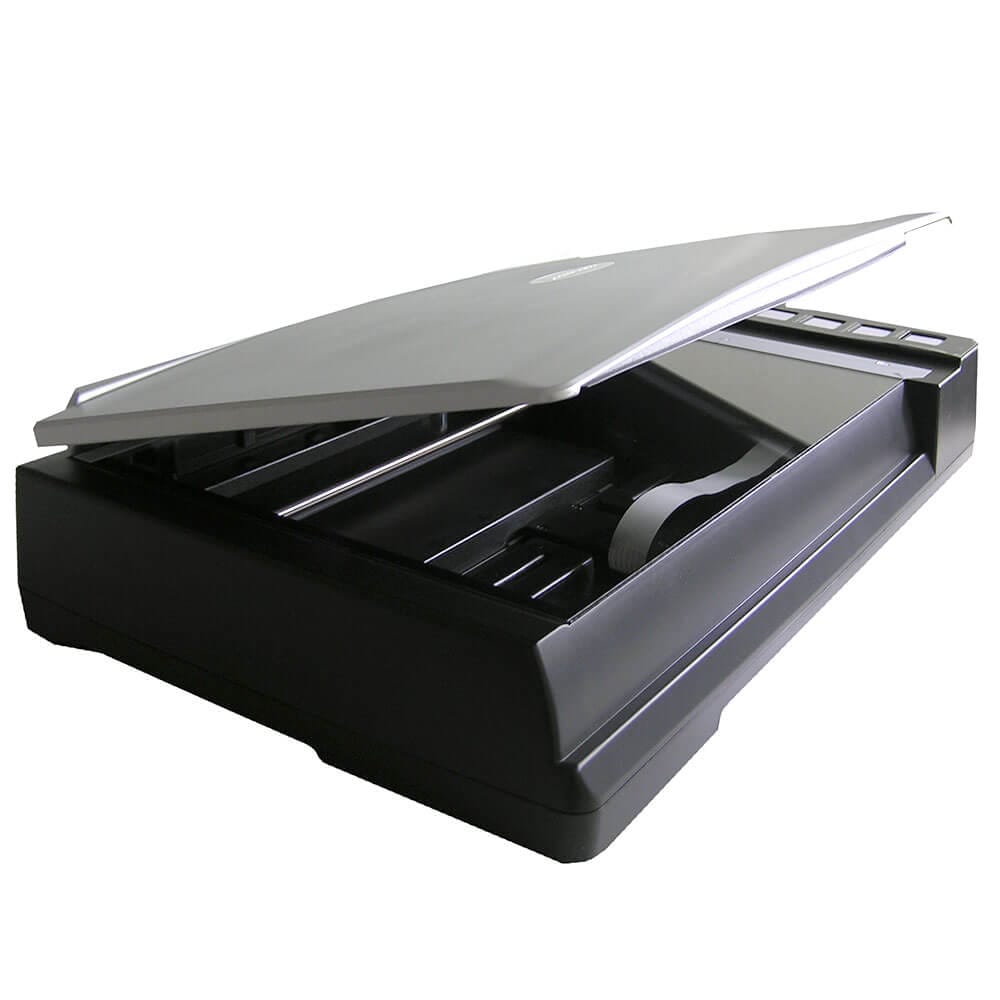
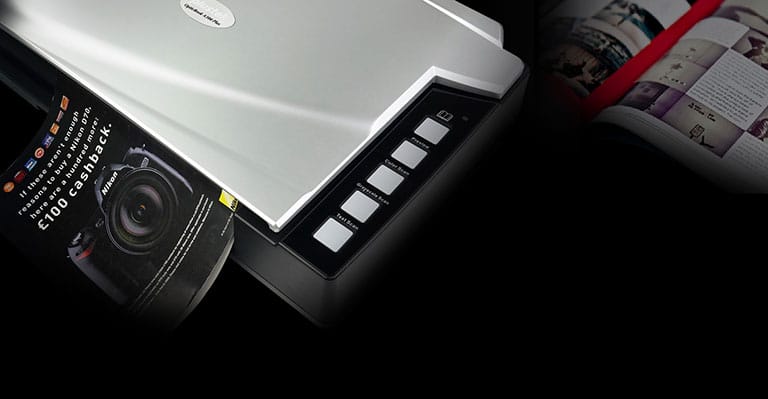
Plus can scan an A3 sized page in about 2.48 seconds or a 200 page 8.5 x 11” book in about 20 minutes. The special book-edge design scans book pages without the spine shadow and distorted text associated with book scanning on flatbed scanners or copiers. The included Book Pavilion book scanning software automatically crops and rotates pages and then saves to your choice of file formats including PDF, Searchable PDF, EPUB, BMP, JPG and TIF.

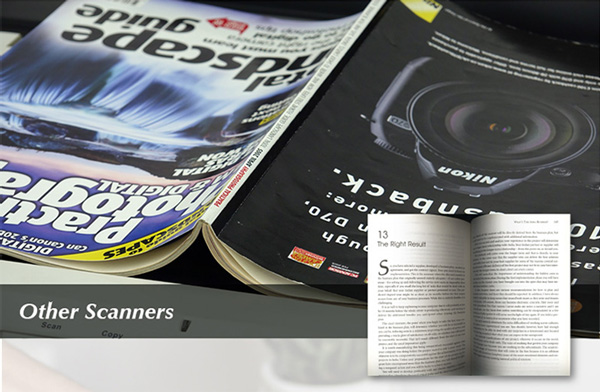
Eliminates Spine Shadow
(SEE™ Technology)

Eliminates Spine Shadow
(SEE™ Technology)

High speed
2.5 seconds per A3 page

Designed for Book Scanning

Plustek’s patent pending SEE™ (Shadow Elimination Element) Technology integrates mechanical, optical, and software technologies to provide clear images within 2mm of the book spine. Shadows and text distortion found on books scanned by traditional scanners and copiers are eliminated. There is no need to remove book pages from their binding.

Efficient Operation

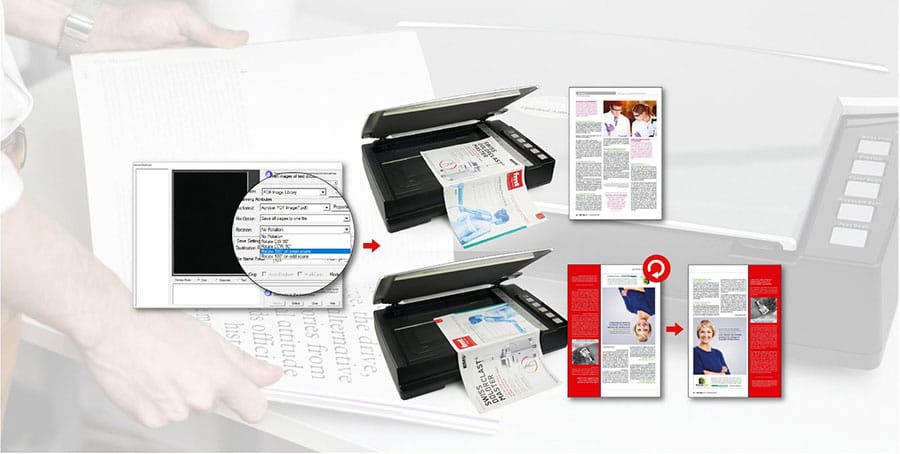
Auto Continuous Scan and Rotate streamlines the book digitization process.
Plustek bundled software Book Pavillion allows pages to be automatically scanned and rotated at user preset time intervals. No user interaction with the PC screen is required during the scanning process.

Digitize Your Book

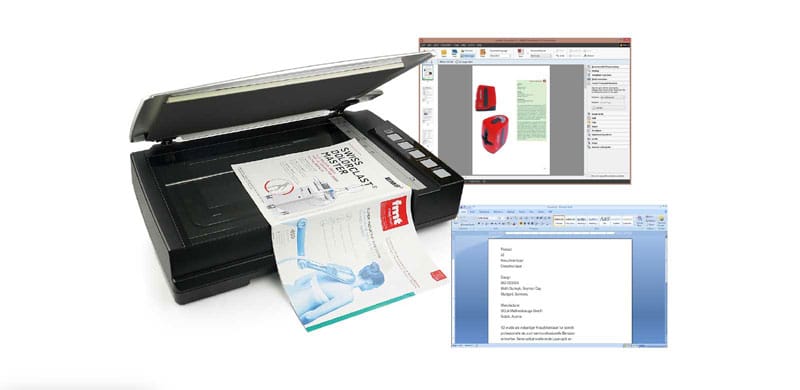
Built-in Optical Character Recognition [1] creates searchable scanned books. Searchable PDF file format provides higher security, reliability and easiness to transfer and exchange documents while preserving the original documents, including fonts, graphics, images and layouts.

Specification


Type Flatbed
Image Sensor CCD
Light Source LED
Optical Resolution 600 dpi
Scan Modes Color: 48-bit input, 24-bit output
Grayscale: 16-bit input, 8-bit output
B/W: 1-bit output
Book Edge 2 mm
Scanning Speed 2.48 sec (Color mode, 300dpi, A3)
2.10 sec (Grayscale/ B&W mode, 300dpi, A3)
Scanning Area (W x L) Max. 304.8 mm x 431.8 mm (12″ x 17″), A3
Scan: Kartu Nama, A5, Kuarto, Letter, A4, Folio (F4), Legal, & A3
Daily Duty Scan ( Sheets ) 5.000
Power Consumption < 24 W (operation), < 8 W (idle)
Interface USB 2.0 Type B
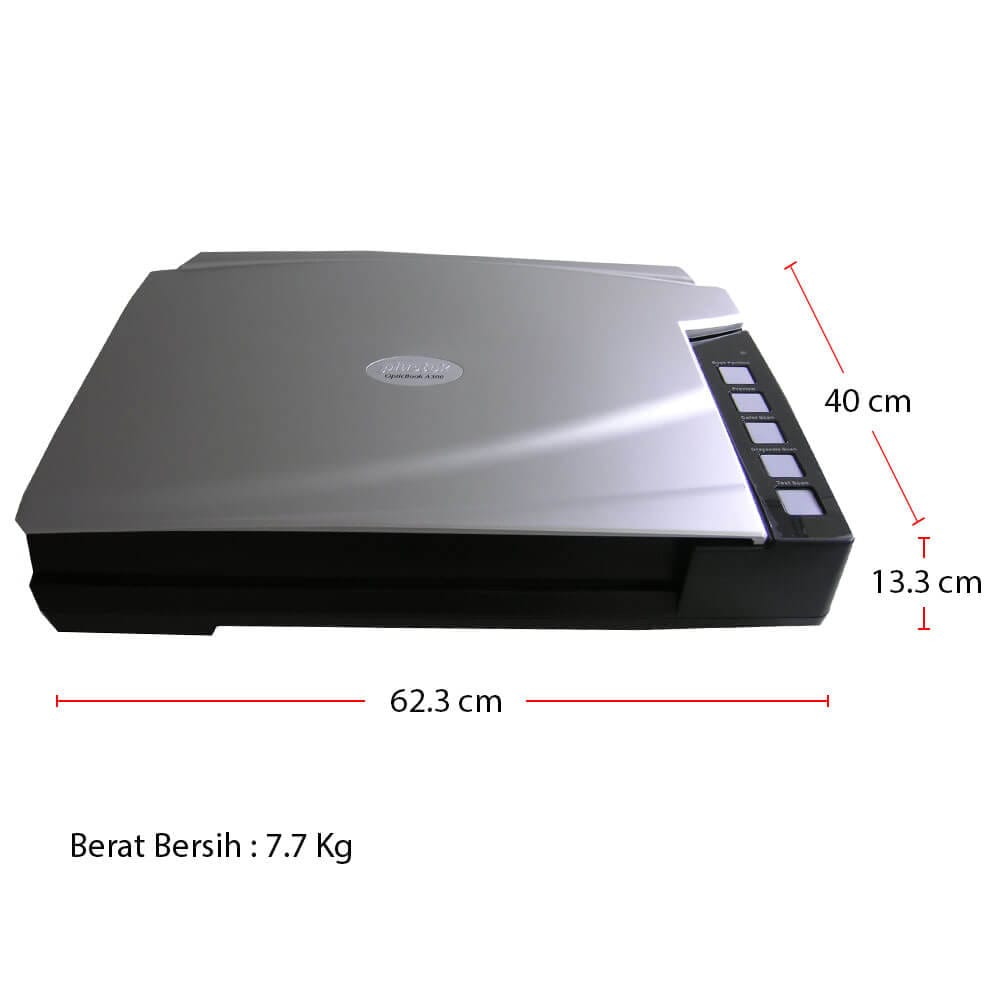
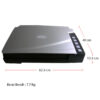
Net Weight 7.7 Kgs (16.96 Lbs)
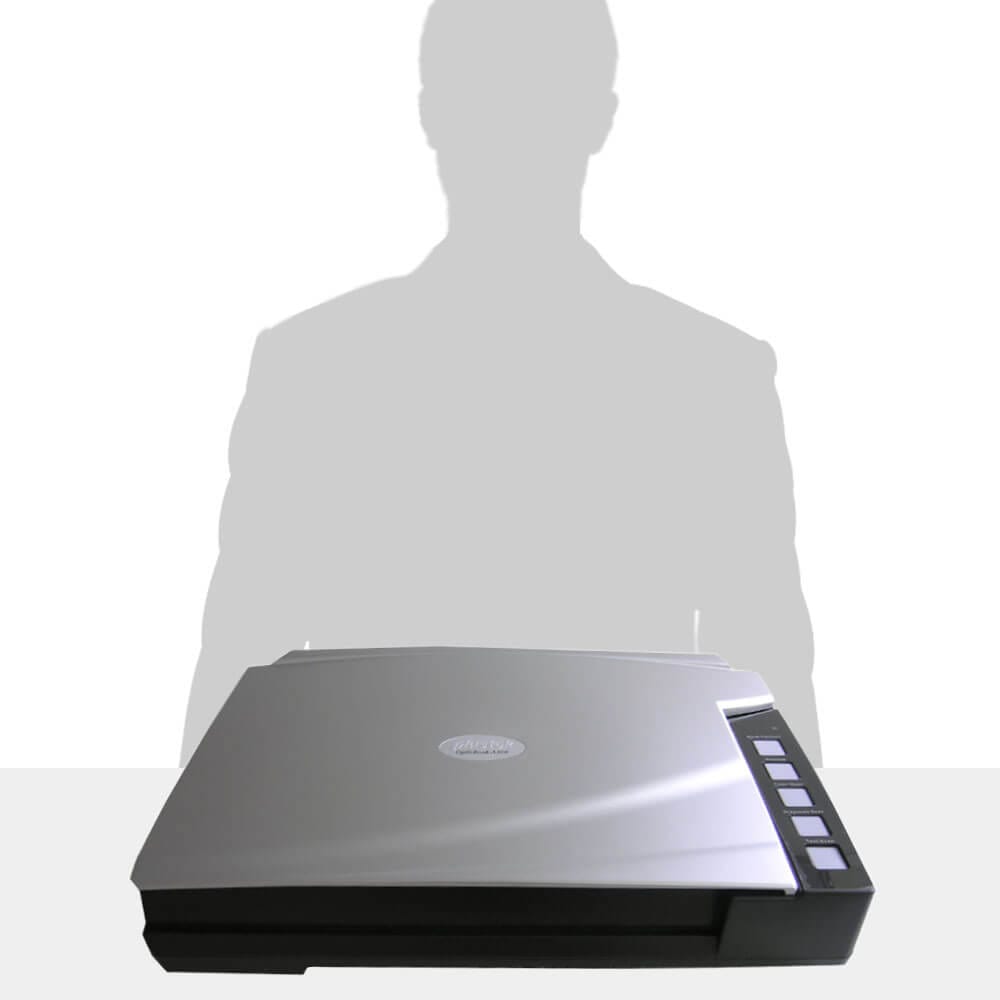
Dimensions (W x D x H) 623 x 400 x 140 mm (24.53” x 15.75” x 5.51”)
Protocol TWAIN Compliant, WIA
OS Windows  7 / 8 / 10 / 11
Hardware Requirements 2.0 GHz CPU processor or higher[1]
[1]Windows Recommended: 2.8 GHz Intel® Core™ i5 Processor with 4 CPU Cores or higher
4 GB RAM minimum (Recommended: 8 GB or more, A3 size scanning, allocated 20 GB Virtual Memory at minimum)
6 GB of hard-disk space for program installation
Display dimensions of 1024 x 768 or greater
Scan: Kartu Nama, A5, Kuarto, Letter, A4, Folio (F4), Legal, & A3
Other Function EPUB File Output Support
Bundled Software Plustek Book Pavilion
Plustek DocTWAIN
Built-in OCR Plustek OCR

(Powered by ABBYY® FineReader®)

Downloads

Leaflet Produk:
OpticBook A300 Plus
(11/09/2021)


Driver Scanner: